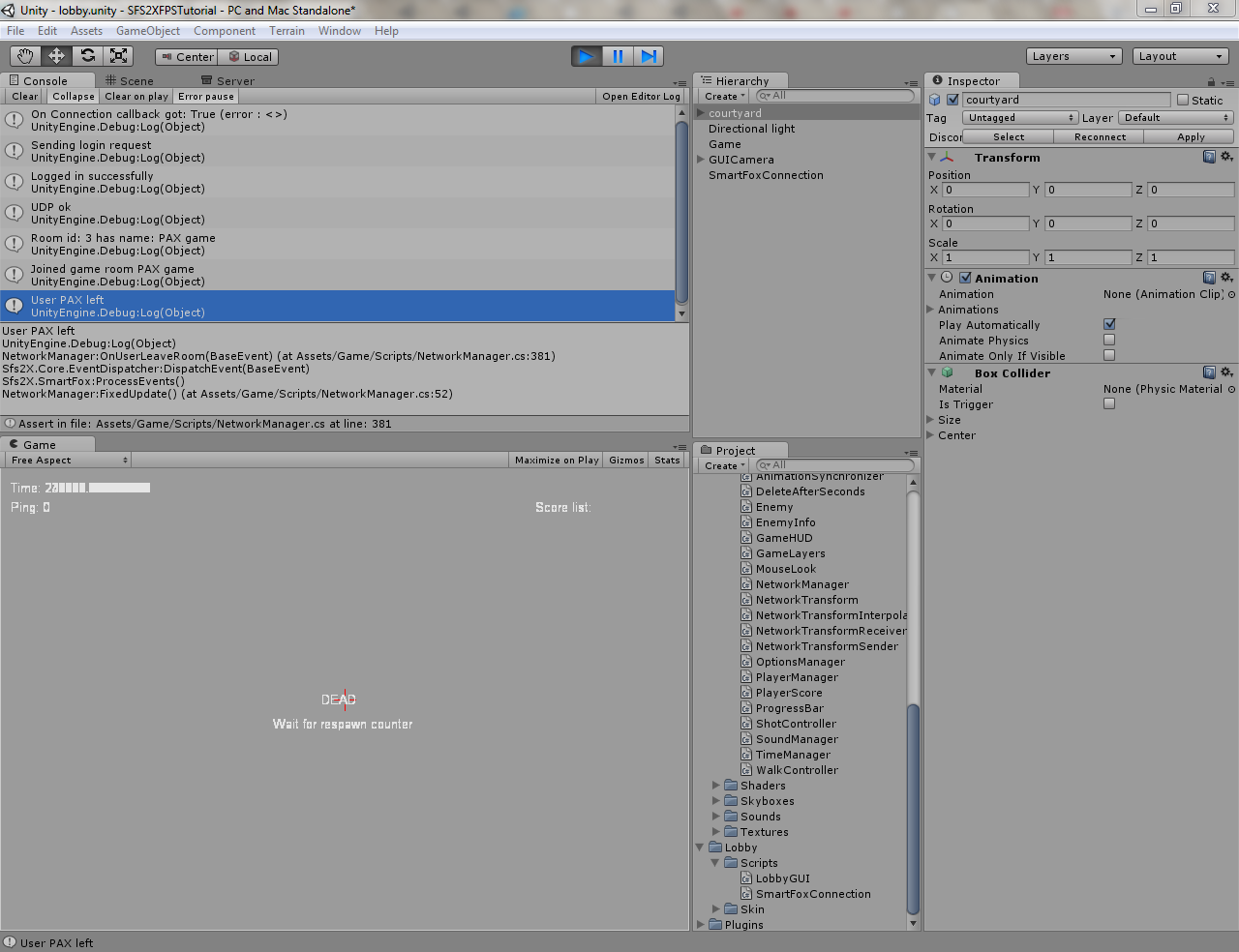
Exiting the FPS demo client (testing inside Unity) crashes Unity. My version is 3.0.0f5 (51258). I might tell more about the problem once I create my own client using these guidelines, but for now I have no idea what might be wrong...
Ah.. that screenshot reminds me of counterstrike (good old days). You guys should host that demo (once it's ready) somewhere so that we can try it out online. And since there are mostly programmers (a.k.a problem solvers) here, I'm sure they'll give you some good battle
ThomasLund wrote:Right - so there is definitely something fishy on exit. Deja vu - some connection not being closed properly. We had that thread already somewhere.
/Thomas
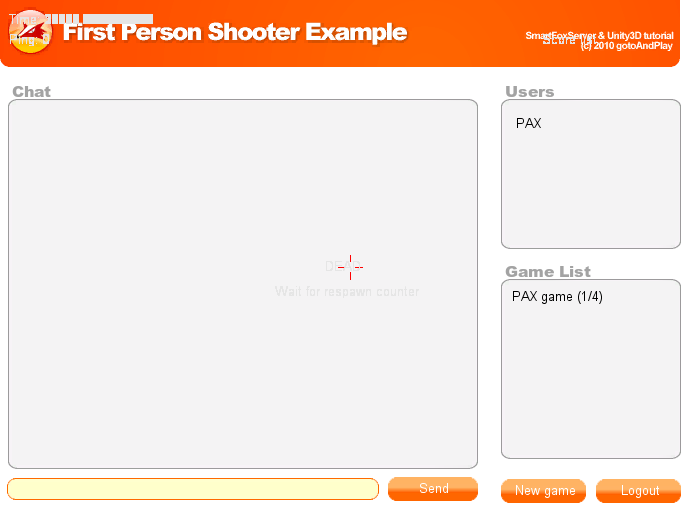
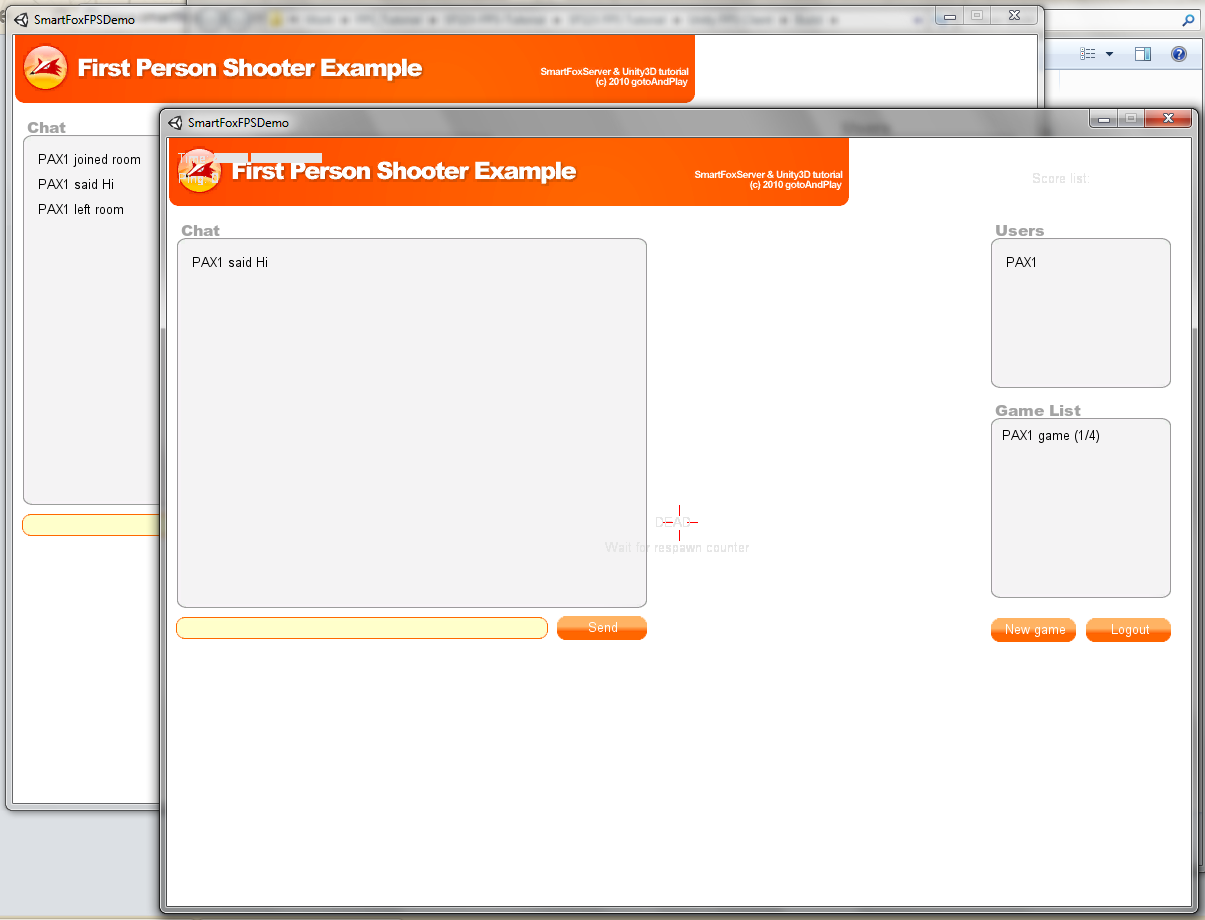
Kicking the player out of a game (so he's forced back to the Lobby login) works without falling over, so the problem may not be exiting the Game (unless the Game is failing to close it's connection?). Closing/Stopping the app on the Lobby screen at this point will also freeze the standalone app/Unity.
[SFS DEBUG] TCPSocketLayer: General error reading data from socket: Read failure   at System.Net.Sockets.NetworkStream.Read (System.Byte[] buffer, Int32 offset, Int32 size) [0x00000] in <filename unknown>:0
  at Sfs2X.Core.Sockets.TCPSocketLayer.Read () [0x00000] in <filename unknown>:0
So - besides the trouble of shutting down + UDP firewall blocking.
Had time to look at the code itself? Makes sense to all and is valuable as a learning tool? Any improvements or changes or unclear things?
Personally I am not too happy about how shot results are reported back. In hindsight I think we should have done a shotHit, shotMissed instead of sending back health update only. But code can always be improved
@PAX I found that I had to put the code in the scene file and not in the smartfoxconnection.cs. When I stop the game in the editor the OnApplicationQuit does not fire in the smartfoxconnection.cs. At leats for me.
@Thomas I hope to be able to look at the code in more detail this weekend. I know you have a lot in there thanks